
Track a Mac app
How much time do you spend in Google Chrome?
Focus Meter tracks Google Chrome automatically, privately, and at the level of detail that actually answers the question.
What the data usually looks like
Chrome is the single biggest tracking blind spot for most Mac users. Screen Time shows “Chrome: 5 hours” without any website detail — which is useless.
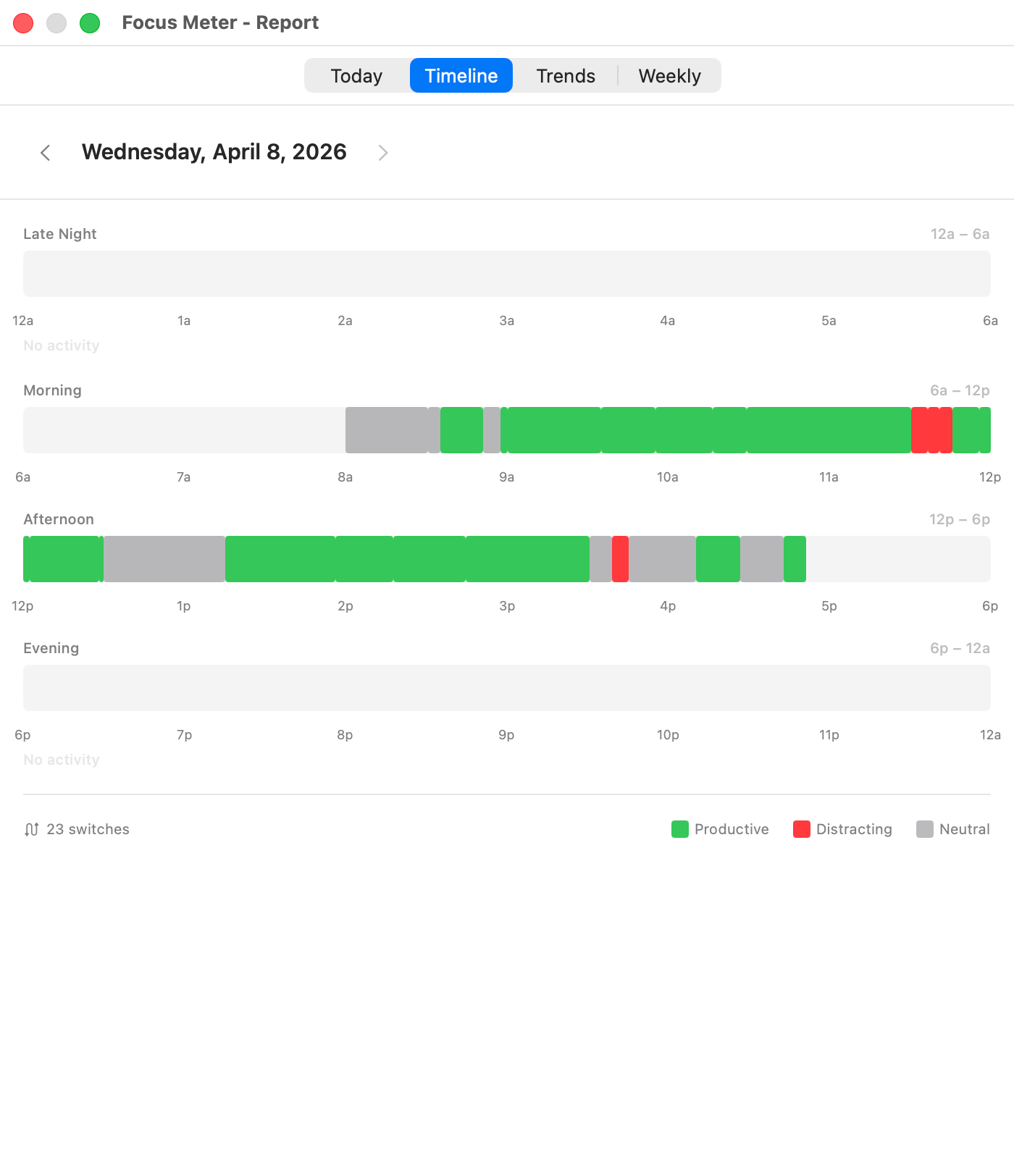
Representative Focus Meter view. Your app and website totals depend on your categories and work pattern.
Sample weekly breakdown
Representative Chrome-first week
| Metric | Value | Why it matters |
|---|---|---|
| Chrome foreground time | 24h 10m | The raw number alone is not useful. |
| Productive domains | 13h 42m | GitHub, Google Docs, Linear, documentation, and work dashboards. |
| Distracting domains | 4h 31m | YouTube, Reddit, X, and news sites. |
| Uncategorized domains | 5h 57m | The bucket to review after the first week. |
What this usually reveals
- Chrome is not one activity. It is your editor, research library, inbox, analytics dashboard, and distraction surface in one process.
- The first useful review is domain-level, not app-level: docs.google.com and reddit.com should not live in the same bucket.
- Most people find one or two domains responsible for most of their lost focus, not dozens.
Why it matters
The answer to “where did my day go?” is almost always hiding inside Chrome. Drilling into active URLs turns an opaque 5-hour block into a readable timeline: GitHub, Google Docs, Reddit, YouTube, and so on.
How Focus Meter tracks Google Chrome
Focus Meter reads the active tab’s URL from Chrome via macOS Automation (no extension required) and categorizes each domain separately. You can mark docs.google.com as productive and reddit.com as distracting and each counts independently.
Default category in Focus Meter: neutral. You can change this any time.
Who this is for
Anyone who uses Chrome as their primary browser on Mac. Especially useful for people using Chrome Profiles — Focus Meter sees the URL, not the profile.
Caveats
- URL tracking requires macOS Automation permission for Chrome.
- Focus Meter reads the active URL, not page content, form values, cookies, or browser history.
- Private windows can still expose the active URL to macOS automation depending on browser behavior. Disable website tracking if you prefer app-only tracking.
Chrome vs Safari, Arc, and Firefox
Chrome, Safari, and Arc expose active URLs well enough for useful website-level tracking. Firefox is more limited on macOS, so Focus Meter may fall back to app-level time there.
Read the settings guide
Configure website tracking and domain categories after your first day of browser data.
Open guide →FAQ
Does Focus Meter need a Chrome extension?
No. Focus Meter uses macOS Automation to read the active tab URL. There is no browser extension and no cloud sync.
Can Focus Meter separate GitHub from YouTube inside Chrome?
Yes. Supported browsers are tracked by active domain, so github.com and youtube.com can be categorized separately.
Does Focus Meter upload my browsing data?
No. Browser URL data is stored locally on your Mac in Focus Meter SQLite data.
Can I turn website tracking off?
Yes. Website tracking is configurable in Settings, and you can use app-level tracking only.
Last reviewed May 6, 2026.
See your real Google Chrome hours this week.
Focus Meter installs in seconds and starts tracking immediately.

$19 one-time · No subscription · 100% on-device