
Track a Mac app
How much time do you spend in VS Code?
Focus Meter tracks VS Code automatically, privately, and at the level of detail that actually answers the question.
What the data usually looks like
For most developers, VS Code hours are the clearest measurable signal of “actually shipping.”
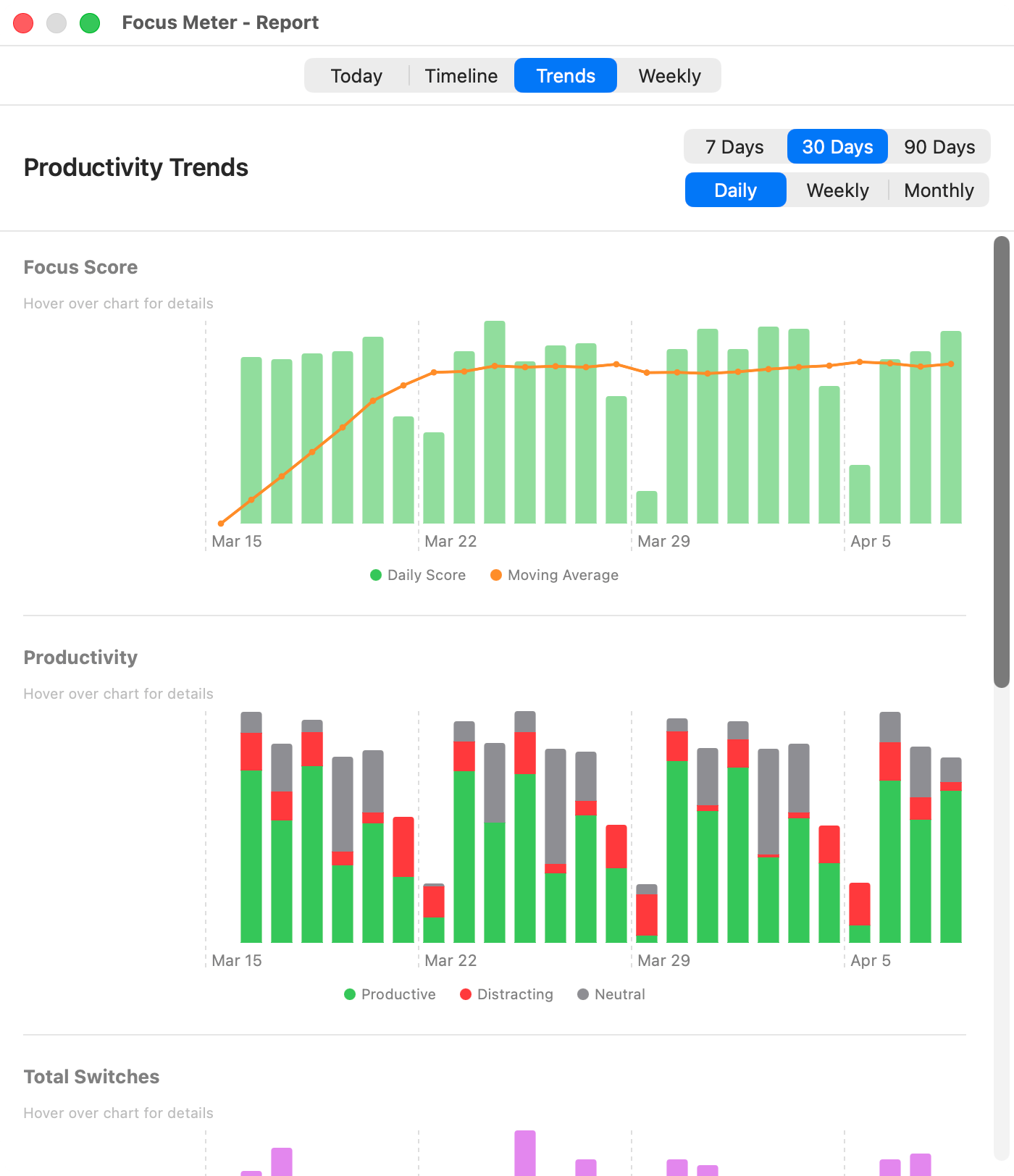
Representative Focus Meter view. Your app and website totals depend on your categories and work pattern.
Sample weekly breakdown
Representative developer coding week
| Metric | Value | Why it matters |
|---|---|---|
| VS Code time | 18h 36m | Core editor time across feature work, fixes, and review changes. |
| Terminal time | 6h 12m | Builds, tests, local servers, and deploy commands. |
| GitHub URL time | 4h 48m | PR review, issues, and release checks. |
| Slack interruptions | 642 switches | The number that explains why a long coding day can still feel fragmented. |
What this usually reveals
- VS Code time is most useful when compared against Terminal and GitHub, not read in isolation.
- A high editor total with constant Slack switching usually means shallow coding, not deep implementation time.
- Weeks with fewer editor sessions but longer continuous blocks tend to feel more productive than weeks with more raw minutes.
Why it matters
Developers often feel unproductive after a busy-looking day. Looking at VS Code time versus Slack/browser time is the fastest way to see whether the feeling was real.
How Focus Meter tracks VS Code
Focus Meter detects VS Code as productive by default and tracks it at the app level (it doesn’t attempt to read your specific file). Combine this with GitHub URL tracking for a solid “wrote code” signal.
Default category in Focus Meter: productive. You can change this any time.
Who this is for
Software engineers who want a hard number on their actual coding hours.
Caveats
- Focus Meter does not read file names, repository names, source code, or terminal output.
- Leaving VS Code frontmost while idle does not keep counting forever because idle detection stops active tracking.
- Code review in GitHub or Linear may be productive even when VS Code time is low.
VS Code vs Xcode, Terminal, and GitHub
VS Code and Xcode are editor signals. Terminal is execution and operations. GitHub is review and collaboration. Together they are a better developer productivity picture than any single app total.
Read the dashboard guide
Use the dashboard to compare editor time, browser domains, and interruption patterns in one view.
Open guide →FAQ
Can Focus Meter see what code I am writing?
No. Focus Meter tracks that VS Code is frontmost. It does not inspect files, repositories, editor tabs, or code contents.
Does VS Code count as productive by default?
Yes. VS Code is categorized as productive by default, and you can change the category in Settings.
What about time in GitHub or documentation?
Focus Meter tracks supported browser URLs separately, so GitHub and documentation can count as productive browser time.
Will idle editor time inflate my coding hours?
No. Idle detection keeps an open editor from counting as active work when you step away.
Last reviewed May 6, 2026.
See your real VS Code hours this week.
Focus Meter installs in seconds and starts tracking immediately.

$19 one-time · No subscription · 100% on-device