

Export and Sharing
Focus Meter gives you two ways to take your data outside the app: structured exports for analysis, and a visual Focus Card for sharing. If you are looking for the in-app source of the numbers, read Reports and Insights first.
Export Data
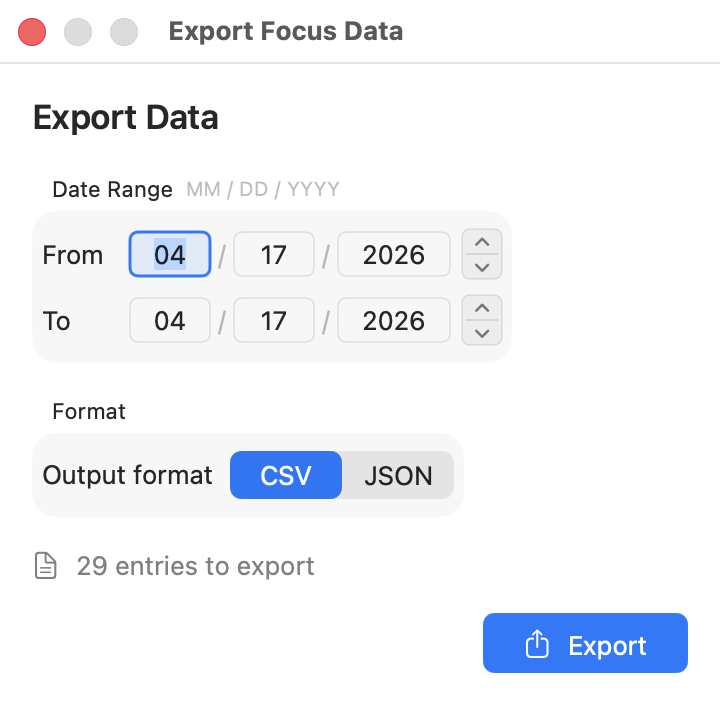
Open Settings > Data > Export Data to export your tracking history.
Options:
- Date range: pick a start and end date for the export
- Format: CSV (for spreadsheets) or JSON (for scripting or analysis tools)
- Entry count: shown before you export so you know how much data you're saving
Click Export and choose where to save the file.
Good times to export:
- Before changing categories: if you're about to re-categorize a bunch of apps or sites in Settings, export first so you have a snapshot of the old categorization
- Weekly or monthly archival: if you want a local backup of your data outside the app
- Personal experiments: pull your data into a spreadsheet to look for patterns Focus Meter's built-in reports don't cover (e.g. correlating focus scores with calendar events)
- Before deleting data: export before using the Danger Zone reset so you can keep a local copy.
For privacy details on what exists in the export, see how Focus Meter stores your data.
Share Focus Card
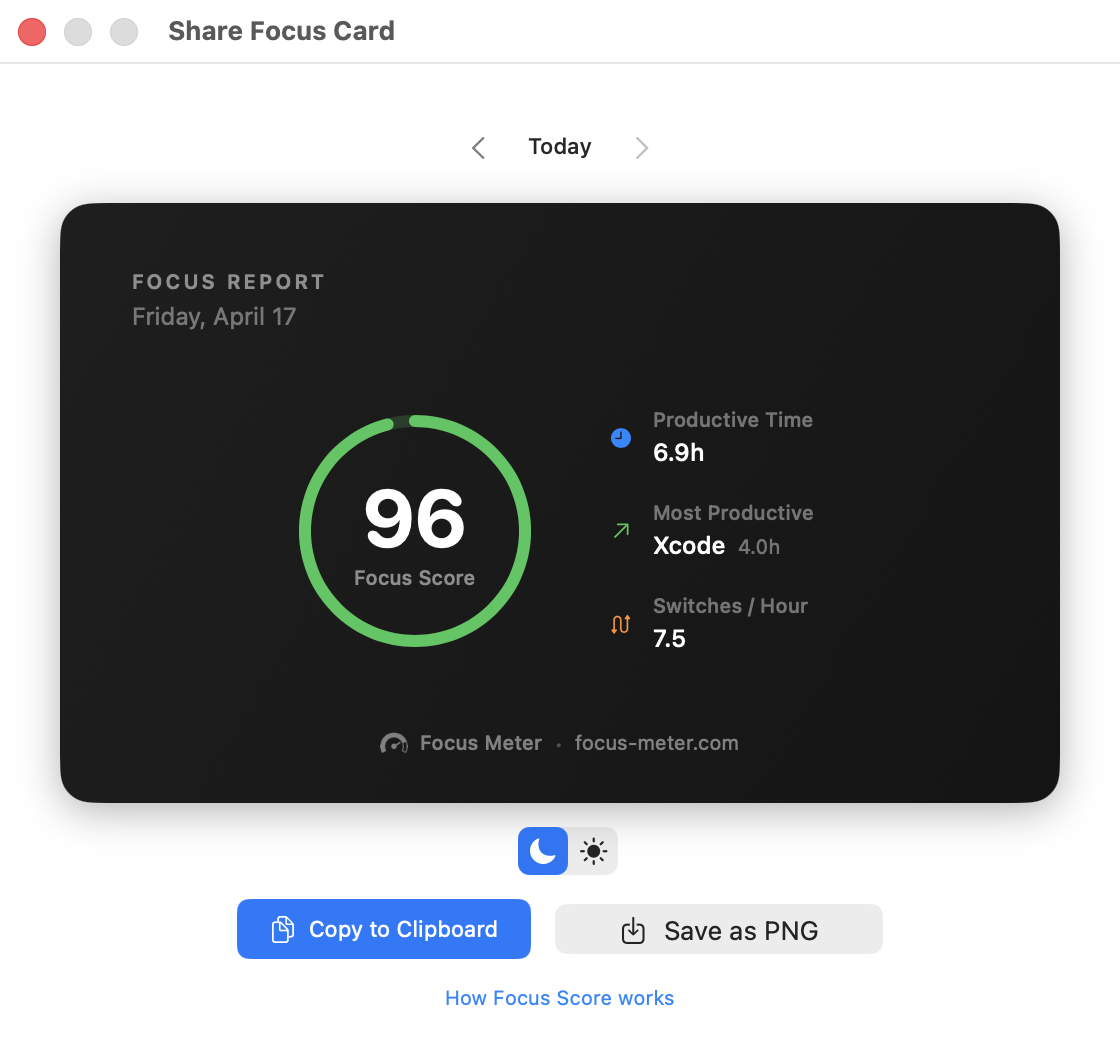
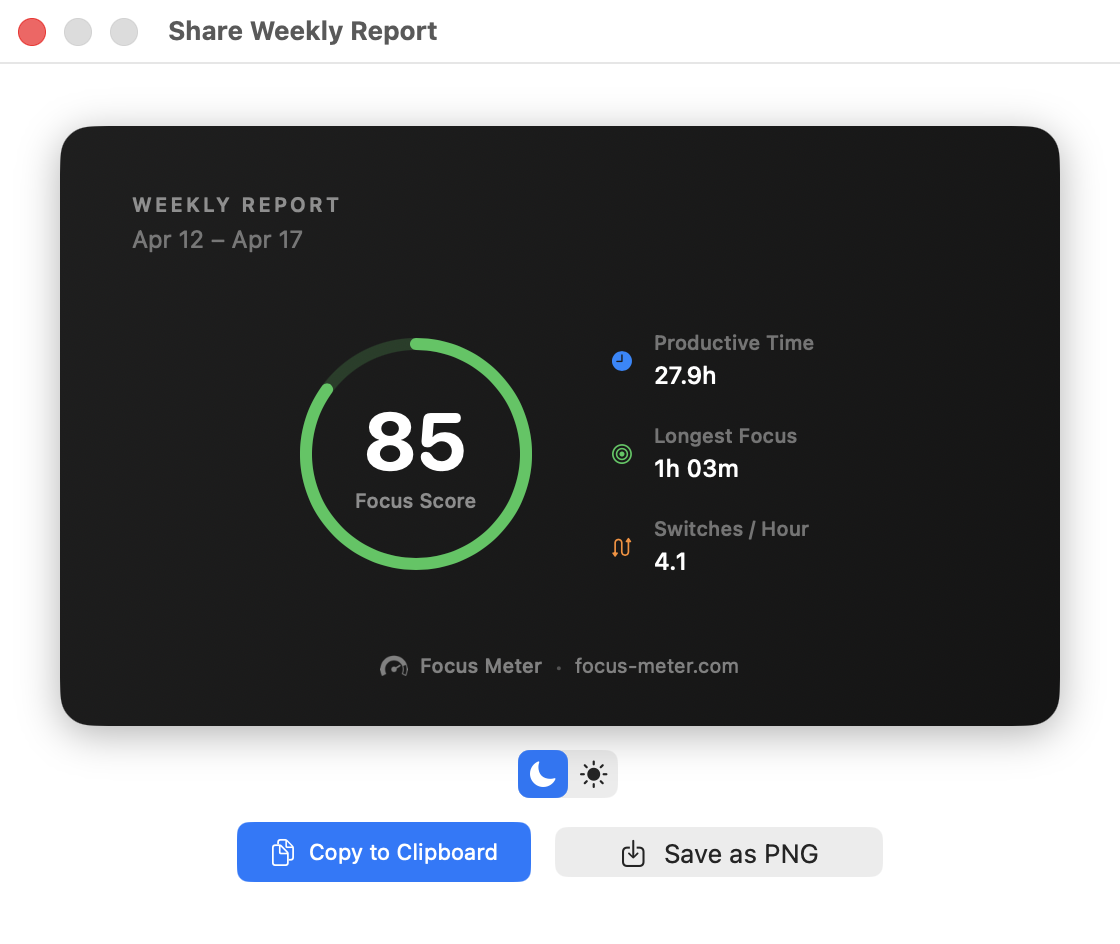
Open Settings > Data > Share Focus Card to generate a visual summary of your week.
The card includes:
- Your Focus Score
- The week's date range
- Best focus day
- Current streak
- Top app
The card is based on the same weekly data shown in Reports and Insights. If you want to improve the score before sharing it, read What Is a Focus Score? and tune your categories in Settings.
Actions:
- Copy to Clipboard: paste it into Slack, an email, a note, or anywhere that accepts images
- Save as PNG: save it as a file to share or keep
Ideas for using the Focus Card:
- Share it in a team standup or weekly retro as a conversation starter
- Post it to a personal log or journal for weekly accountability
- Compare cards week over week to see visual progress
Related Guides
- Reports and Insights: review the daily, weekly, and trend views before exporting.
- Settings and Privacy: find the export controls and understand data/privacy options.
- Troubleshooting: fix confusing data before archiving or sharing it.
- Getting Started: set up tracking before you have enough history to export.